Quick answer: Search Engine Roundtable reported on November 10, 2026, that Google is testing a plainer local pack inside AI Overviews, with no call, directions or website buttons, no photos and no reviews. It is a test, not a rollout. If it spreads, patients need an extra click to reach you, so your Business Profile and website must answer their questions.
Key takeaways
- This is a test that some searchers see, not a confirmed change. Google has not commented on it.
- The test version of the AI Overview local pack drops action buttons, photos and reviews. Local search expert Joy Hawkins also noticed missing addresses and hours.
- According to Hawkins, the regular local pack disappears on mobile when this version shows, and the listings still come from Google Business Profiles.
- Fewer details in the pack means patients have to open your profile or website before they can judge you, so what they find there matters more.
- Nothing here calls for a special fix. A complete profile, consistent practice details, helpful treatment pages and recent reviews cover it.
What changed?
On November 10, 2026, Search Engine Roundtable reported that Google is testing a stripped-down version of the local pack that appears inside AI Overviews. The test version removes the action buttons for calling, getting directions and visiting a website, and it also removes photos and reviews. Google has made no statement about it.
The Search Engine Roundtable report by Barry Schwartz is based on a post on X by Joy Hawkins, who said she had been seeing this new version of the AI-powered local pack for a few days. Schwartz then reproduced it himself and published screenshots of the version with buttons next to the version without them.
Here is what the report says, point by point:
- Action buttons are gone. Searchers can’t call, get directions or open the website straight from the pack.
- Photos and reviews are gone. Both are named in the report’s headline and body.
- Addresses and hours may be gone too. Hawkins listed reviews, address and hours among the missing details.
- The regular pack can disappear on mobile. Hawkins said that when this version shows on mobile, the traditional local pack is no longer there.
- Business Profiles still feed it. Hawkins said the new version still uses Google Business Profile data.
Hawkins was not a fan of the look and said she hoped Google would revert it soon. Google often tests layouts with a small share of searchers and drops many of them, so treat this as an early signal rather than a new normal.
What is the AI Overview local pack?
The AI Overview local pack is the short list of nearby businesses that Google can show inside an AI Overview when a search has local intent, such as “emergency dentist near me”. It pulls names and details from Google Business Profiles and sits next to the AI-written summary, separate from the regular map pack lower on the page.
The feature is not new. Search Engine Roundtable reported in March 2025 that Google had brought a local pack back into AI Overviews after removing it in September 2023, and noted that it looked a little different from the regular Places results. Schwartz’s latest report says these AI Overview local packs keep changing, and this test is the newest version.
If you want the background on how Google picks practices for local results in the first place, read our guide on how Google decides which dentist to show in the map pack.
What is missing from the test version?
Compared with the version most searchers see, the test drops the call, directions and website buttons, the photos and the review stars and counts. Hawkins also reported missing addresses and opening hours. What seems to remain is a list of business names drawn from Business Profiles alongside the AI summary.
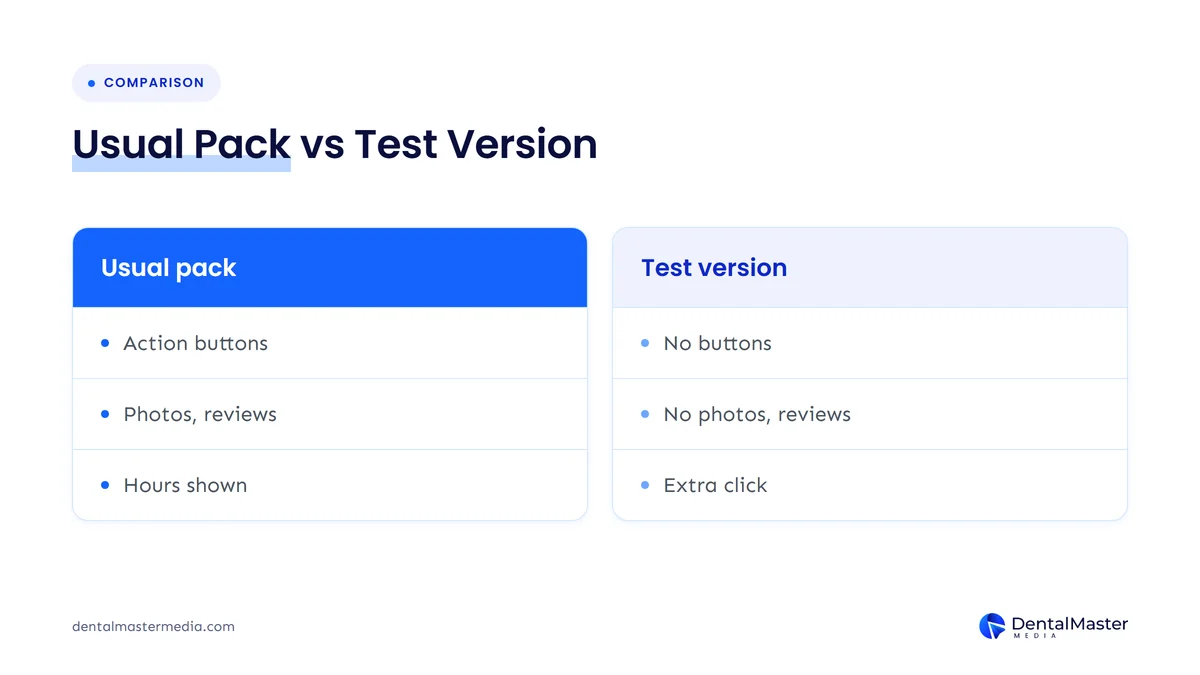
| Element | Usual AI Overview local pack | Test version (as reported) | What a patient loses |
|---|---|---|---|
| Call button | Shown | Removed | One-tap call from the results page |
| Directions button | Shown | Removed | Quick route to the practice |
| Website button | Shown | Removed | Direct visit to your site |
| Photos | Shown | Removed | A first look at the practice |
| Reviews | Shown | Removed | A quick read on reputation |
| Address and hours | Shown | Missing, per Joy Hawkins | Whether you are close and open |
Source: Search Engine Roundtable, November 10, 2026.
Who is affected?
For now, only searchers who are placed in the test see it, and only on searches where Google shows an AI Overview with a local pack. Any dental practice that appears in those packs could be shown in the plainer format. Practices that rely on people calling straight from the search results would feel it most.
Three kinds of practice should pay the most attention:
- Practices that get most of their calls from Google. If patients usually tap “Call” from the results, that button is missing in the test, so they need another step to reach you.
- Practices that win on reviews and photos. If your strong rating and good photos are what make patients pick you from the list, the test hides them until the patient clicks through.
- Practices with thin websites or profiles. If a patient does click through and finds missing hours, an old phone number or a vague services page, the extra click becomes a lost patient.
What does this mean for dental practices?
If the test spreads, the decision moves from the search results page to your Business Profile and website. Patients would see your name in the AI Overview but not your rating, photos or hours, so they would need to click to learn more. Whatever they find after that click has to answer their questions quickly.
Two things stay the same. First, the pack still uses Business Profile data, according to Hawkins, so a strong, accurate profile still decides whether you appear at all. Google’s own help page on local ranking says businesses with complete and accurate information are more likely to show up in local results. Second, Google says there are no special optimizations needed to appear in AI Overviews or AI Mode. Normal SEO work still applies.
What changes is how much of the decision happens after the click. Our guide on getting your dental practice cited inside AI Overviews covers the content side of that.
How can you check what patients see?
Search on your phone for the phrases patients use, such as “dentist near me” or “emergency dentist” plus your town, and look at any AI Overview that appears. Note whether the local list shows buttons, photos and reviews, and whether your practice is in it. Repeat over a few days, since tests come and go.
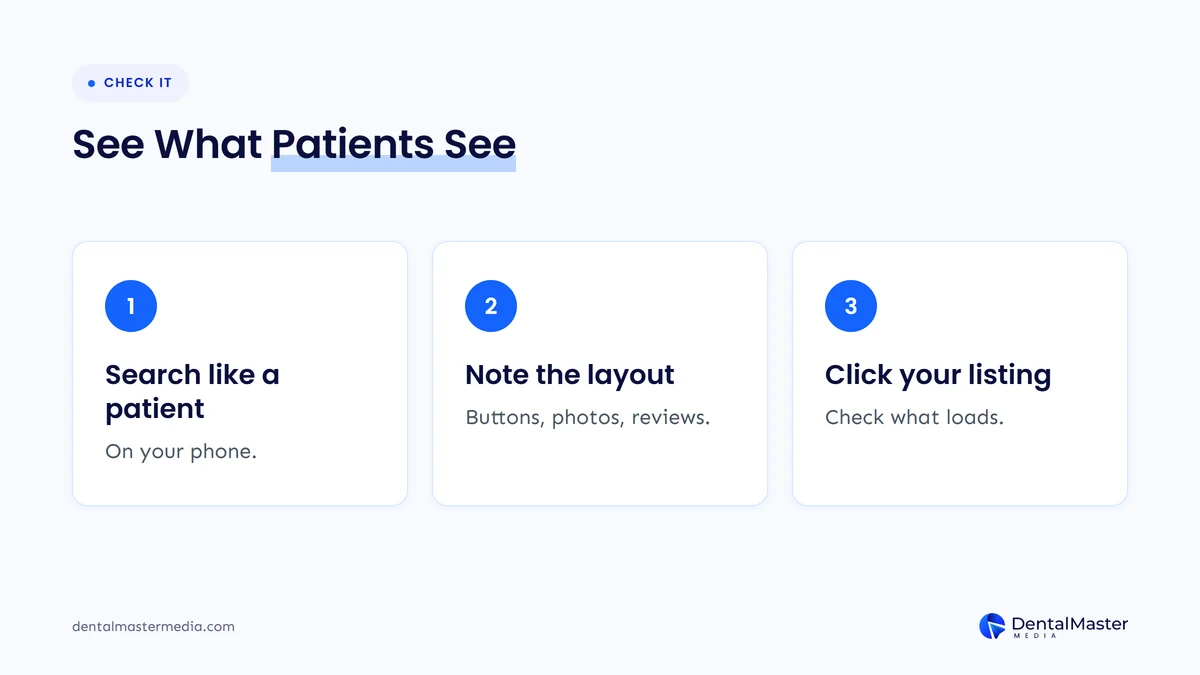
- Search like a patient. Use a phone, signed out if you can, with treatment and location searches your patients would type.
- Note the layout. Is there an AI Overview? Does its local list show call and directions buttons, photos and star ratings, or just names?
- Click your own listing. Follow the path a patient would take and check that the profile and website give your phone number, hours and booking options right away.
- Take dated screenshots. If the layout changes over the coming weeks, you’ll be able to compare it with your call and website numbers.
What should you do now?
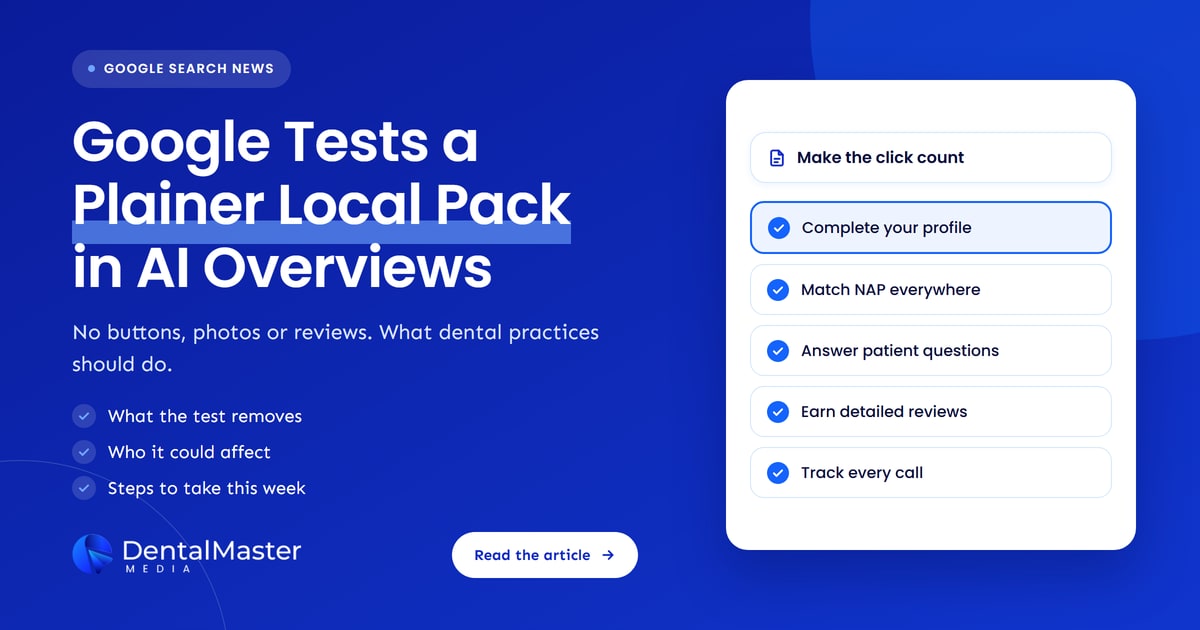
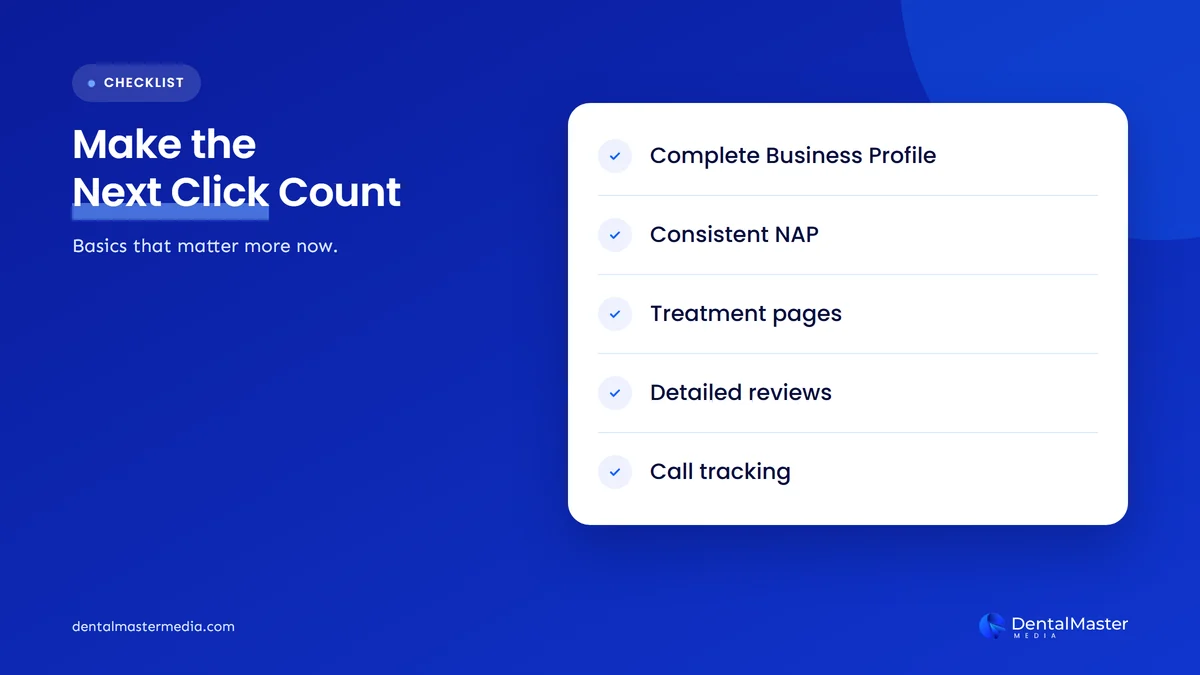
Don’t change anything because of the test alone. Instead, make sure the click that patients may now need to make lands well: a complete Business Profile, the same name, address and phone number everywhere, treatment pages that answer common questions, recent detailed reviews, and tracking that shows where calls come from.
Complete your Google Business Profile
Your profile is still the source of the listing, so fill in every field that applies: primary and secondary categories, services, hours, holiday hours, photos and a clear description. Google says complete and accurate information makes a business more likely to appear in local results, and that more reviews and positive ratings can help local ranking.
Our list of Google Business Profile mistakes that cost dental practices calls is a quick way to find gaps.
Keep your name, address and phone number consistent
If patients can’t see your address or hours in the pack, they will look for them elsewhere, on your profile, your website or a directory. Those details need to match everywhere. Google’s guidelines say your business name should reflect its real-world name and your address should be accurate and precise.
Our guide to NAP consistency for dental clinics explains how to find and fix mismatches.
Build pages that answer patient questions
When the pack shows only names, the AI summary and your own pages do more of the persuading. Give each main treatment its own page that answers the questions patients ask: what the treatment involves, who it suits, how long it takes, what payment options you offer and how to book. Put your phone number and booking link near the top.
Ask for reviews that mention the treatment
Review stars may be hidden in the test pack, but patients who click through still read reviews on your profile. Ask happy patients to describe their visit in their own words, for example the treatment they had and how the team helped. Reply to every review, as Google’s help page suggests. Never offer incentives or write reviews for patients.
Track calls and bookings by source
You can’t control which version of the pack patients see, but you can measure what happens to your calls and bookings. Use call tracking set up so your main practice number stays listed on the profile, tag your Business Profile website link with UTM parameters, and compare month to month. A drop in profile calls with steady website visits may point to layout changes like this one.
Our guide on how to track calls and bookings from your dental website walks through the set-up.
What’s likely next?
This section is our view, not Google’s. The test may be dropped, changed or rolled out more widely, and Hawkins openly hoped it would revert. Either way, the AI Overview local pack has changed several times since 2023, so expect more changes. A practice with a strong profile and useful website is ready for whichever version stays.
The bigger pattern is that Google keeps changing how much space and detail local businesses get inside AI features, as we also saw when Google AI Mode began showing more ads. Read our post on Google AI Mode showing up to four ads for that side of the picture.
Frequently asked questions
Has Google confirmed the new AI Overview local pack?
No. As of November 11, 2026, Google has not commented. Search Engine Roundtable described it as a test after Joy Hawkins spotted it and Barry Schwartz reproduced it. Many searchers will still see the usual version with buttons, photos and reviews.
Will this test lower my Google Maps rankings?
There is no sign that it changes how practices are ranked. The report is about what the AI Overview local pack displays, not which businesses it picks. Hawkins said the listings still use Business Profile data, so the usual local ranking factors still apply.
Can patients still call my practice from Google?
Yes, but possibly with an extra step. In the test version, the call button is not shown in the AI Overview local pack, so a patient would need to open your listing or website first. Your full Business Profile still has your phone number and call button.
Do I need to optimize separately for AI Overviews?
No. Google says there are no additional requirements or special optimizations needed to appear in AI Overviews or AI Mode. Accurate Business Profile details, helpful treatment pages and a website that is indexed and crawlable are the same foundations that serve regular search.
Should I stop collecting reviews if they are hidden?
No. Reviews are hidden only in the test version of one feature. Patients still read them on your Business Profile, and Google says more reviews and positive ratings can help local ranking. Keep asking for honest reviews and replying to them.
The bottom line
Google is testing a plainer AI Overview local pack with no call, directions or website buttons and no photos or reviews. It is a test, Google hasn’t commented, and it may never reach your patients. Still, it shows where things could go: more of the patient’s decision happens after the click. A complete Business Profile, consistent practice details, clear treatment pages, honest reviews and good tracking prepare you for any version. To see how we handle that work through our dental SEO services, visit Dental Master Media.
Is your practice ready for a plainer local pack?
At Dental Master Media, our free dental SEO audit checks your Google Business Profile, your practice details across the web and the pages patients land on from Search and Maps. You get a clear list of what to fix first, so the click patients make turns into a booking.
Sources
- Search Engine Roundtable (Barry Schwartz), “Google AI Overview Local Pack Dropping Action Buttons, Photos & Reviews”, November 10, 2026. https://www.seroundtable.com/google-ai-overview-local-pack-action-buttons-42483.html
- Search Engine Roundtable (Barry Schwartz), “Google Brings Back Local Pack To AI Overviews”, March 14, 2025. https://www.seroundtable.com/google-ai-overviews-local-pack-39062.html
- Google Search Central, “AI features and your website”, accessed November 11, 2026. https://developers.google.com/search/docs/appearance/ai-features
- Google Business Profile Help, “Tips to improve your local ranking on Google”, accessed November 11, 2026. https://support.google.com/business/answer/7091?hl=en
- Google Business Profile Help, “Guidelines for representing your business on Google”, accessed November 11, 2026. https://support.google.com/business/answer/3038177?hl=en

Suraj Rana is the owner of Dental Master Media and a leading expert in SEO for dental practices. With a passion for dental marketing, he has successfully helped numerous dental clinics climb the search engine ranks. Suraj’s expertise makes him a go-to resource for effective, results-driven dental marketing.