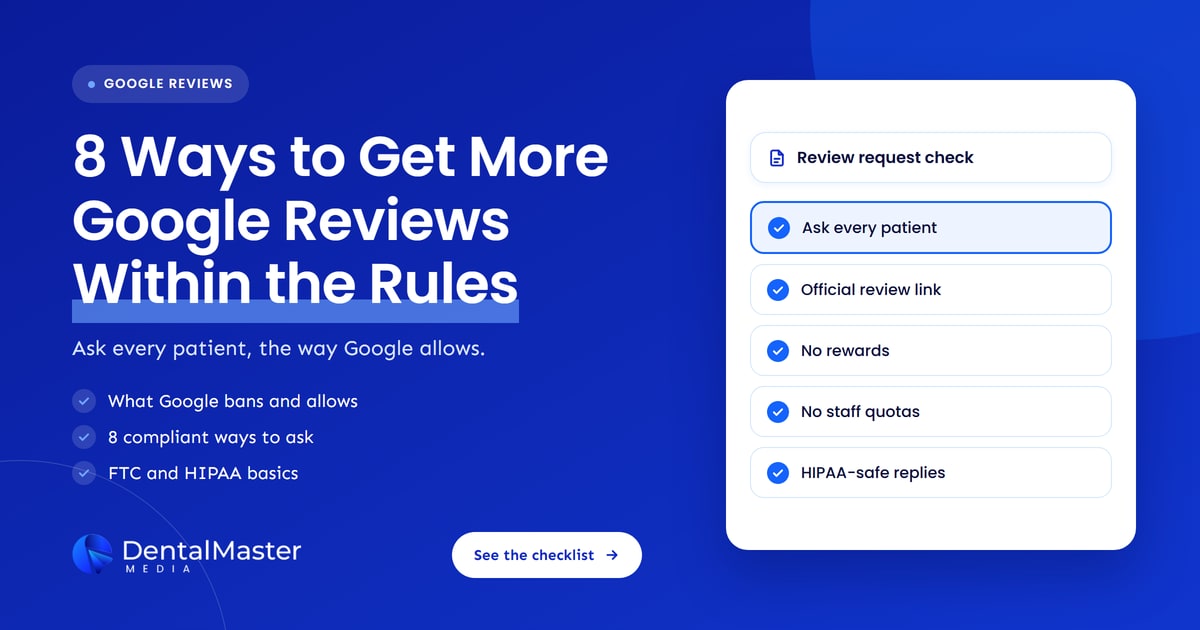
Quick answer: Google lets a dental practice ask any patient for a review, as long as it asks everyone, not only happy patients, and offers nothing in return. Use the official review link or QR code from your Business Profile, ask at a steady pace, give staff a script instead of a quota, and reply without revealing patient details.
Key takeaways
- Asking for Google reviews is allowed. What Google bans is paying for them, filtering who gets asked and pressuring patients on the premises.
- Google’s review link and QR code are the safest way to ask, because they send patients straight to the review form on your profile.
- Google’s ban on incentives is stricter than US law: the FTC allows some incentives with disclosure, but Google allows none.
- Staff review quotas and sudden bursts of reviews are both listed by Google as forms of rating manipulation.
- Breaking the rules can lead Google to block new reviews, hide existing ones and show a fake review warning on your profile.
- For US practices, HIPAA still applies when you reply. Never confirm that a reviewer is a patient or mention their care.
What do Google’s review rules allow a dental practice to do?
Google’s rules let a dental practice ask patients for honest reviews by link, QR code, email, text or in person. The limits are clear: no rewards for reviews, no asking only patients you expect to be happy, no discouraging negative reviews, no pressure while patients are at the practice and no reviews from staff or family.
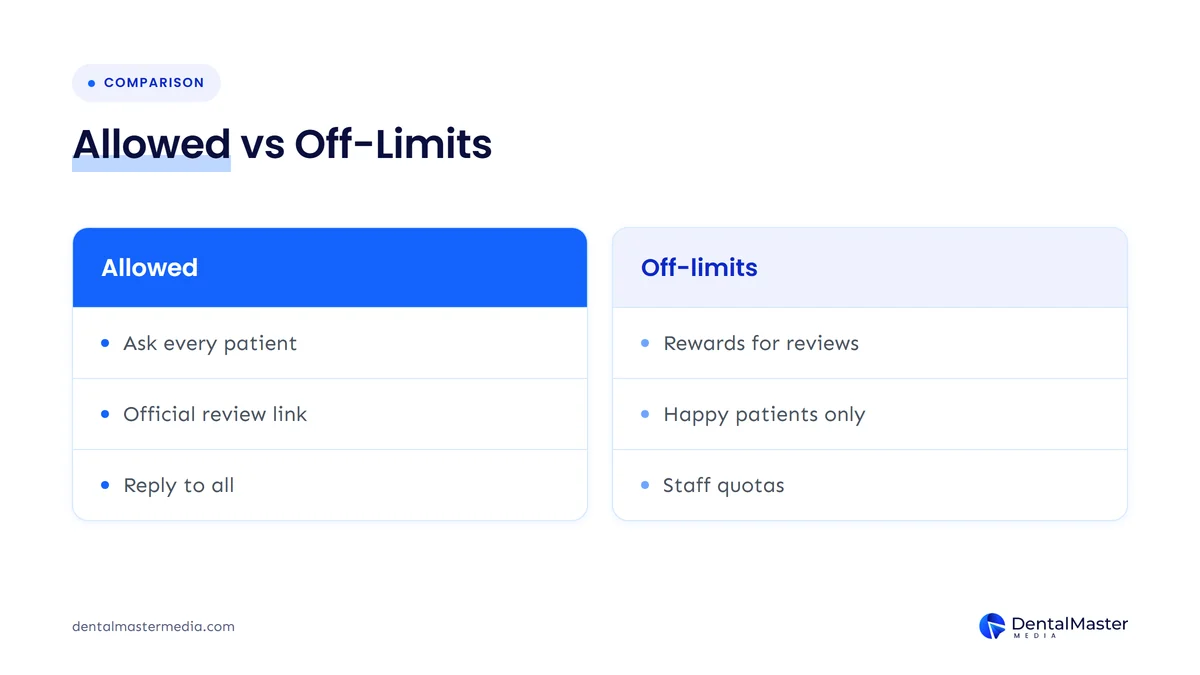
Most of these limits sit in Google Maps’ user contributed content policy, under “fake engagement” and “rating manipulation”. Here is how they apply to a dental practice:
| Practice | Allowed by Google? | What Google’s policy says |
|---|---|---|
| Asking every patient for an honest review | Yes | Google’s help pages encourage businesses to ask customers to review them using a link or QR code. |
| Offering a discount, free whitening or a prize draw for reviews | No | Incentives such as payment, discounts or free goods and services in exchange for reviews are prohibited. |
| Asking only patients you think are happy (review gating) | No | Businesses may not “selectively solicit positive reviews from customers.” |
| Asking patients to change or delete a negative review | No, if anything is offered in return | Reviews revised or removed in exchange for an incentive count as rating manipulation. |
| Requiring a review before a patient leaves | No | Businesses should not require or pressure people to leave reviews while on the premises. |
| Setting staff a target number of reviews | No | Requesting that staff solicit a certain number of reviews is listed as rating manipulation. |
| Reviews from employees, former employees or relatives | No | Content based on a conflict of interest, including current or former employment, is removed. |
What is review gating, and why is it banned?
Review gating means checking how a patient feels before deciding whether to send them to Google. A survey or text asks for a rating first, then only patients who score high get the Google link, while unhappy ones go to a private form. Google bans it because it skews the rating toward positive reviews.
Gating is often built into review software as a “funnel”, which is why practices adopt it without realizing it breaks Google’s rules. The tool may run smoothly and still put your profile at risk. One marketer summed up the problem on X:
“A review funnel can work exactly as designed and still be a bad idea.”
@drewdoesmarktng on X, November 10, 2026 (source)
Collecting private feedback is still fine. You can send a satisfaction survey, as long as every patient also gets the same chance to post on Google, whatever score they gave.
What are 8 ways to get more Google reviews within the rules?
The eight methods below all come from what Google’s own help pages allow or encourage. They work together: a single invitation in person, a link that makes reviewing quick, a steady routine and replies that show patients their feedback is read. None of them involves rewards, filtering or pressure.
1. Ask every patient, not only the happy ones
Asking every patient for a review is the simplest way to stay inside Google’s rules on selective solicitation. Make the request part of every completed appointment, not a judgment call at the front desk about who seems pleased. Asking everyone also gives you a more honest picture of how patients see the practice.
Patients who had a routine checkup are just as entitled to an invitation as someone who had a smile makeover. A mix of reviews is normal, and Google’s own tips note that a mix of positive and negative feedback can seem more trustworthy to people reading it.
2. Use Google’s official review link or QR code
Google’s official review link and QR code take patients straight to the review form on your Business Profile, so they don’t have to search for your practice. In your Business Profile, open Read reviews, then Get more reviews, and copy the link or save the QR code from there.
Two practical details from Google’s help page are worth knowing:
- The QR code only works from a computer. Google says review QR codes can currently be generated in a computer browser, not on mobile devices.
- Patients need a Google Account. They can create one with any email address, not only Gmail, which is worth saying when someone tells your team they “don’t have Google”.
Google suggests printing the QR code for display, adding the link to receipts and thank-you emails, and sharing it at the end of a chat. A small card at reception or in the treatment room works well, as long as it is an invitation, not a requirement.
3. Ask in person at the end of the visit, without pressure
A short, friendly request from the dentist, hygienist or front desk at checkout is the most natural moment to ask. Google allows in-person requests, but its policy says businesses should not require or pressure customers to leave reviews while on the premises. The patient should feel free to say no.
In practice, that means a sentence such as “If you have a minute later, we’d really value an honest review on Google”, followed by the card or a text with the link. It does not mean handing patients a practice tablet and waiting while they type, or making a review part of checking out.
4. Follow up by text or email with no treatment details
A follow-up text or email sent the same day reaches patients while the visit is fresh and puts the review link one tap away. Keep the message general: thank them for visiting and include the link. Leave out the treatment, the dentist’s notes or anything else about their care.
Use the same secure channels you already use for appointment reminders. If you add a new review tool that connects to your practice management software, ask your HIPAA compliance lead to check how that tool handles patient data before it goes live. Send one request and, at most, one reminder. Repeated chasing starts to feel like pressure.
5. Make reviews a steady routine, not a one-off campaign
A steady flow of reviews from real visits is safer than a sudden burst. Google’s policy lists “unusual volumes or patterns of review contributions” as rating manipulation. Emailing your whole patient list in one afternoon can produce exactly that pattern, even when every review is genuine.
Google’s spam systems now react to sudden spikes. In September 2026, Search Engine Roundtable reported a new Google email telling owners that a spike in spam reviews had been detected and removed, and that new reviews were temporarily paused, usually for a few days. A routine tied to completed appointments is far less likely to look like a spike.
6. Give your team a script, not a quota
Your team should know when to ask, what to say and where the review card or link lives. What they shouldn’t have is a target. Google’s policy names “merchants requesting that staff solicit a certain number of reviews” as rating manipulation, so review quotas break the rules even when no patient is rewarded.
A good script is two sentences long and the same for every patient. Track whether the request was made at each visit, not how many reviews each team member brought in. Staff, former staff and their relatives also shouldn’t review the practice themselves, because Google treats that as a conflict of interest.
7. Never offer anything in return for a review
Google bans every incentive for reviews: discounts, free whitening, gift cards, prize draws and entry into competitions. The ban also covers offering something to change or remove a negative review. This is stricter than US law, so a promotion your lawyer calls legal can still break Google’s rules.
The FTC’s rule on fake reviews, in effect since October 21, 2024, bans incentives tied to positive or negative sentiment, but its own guidance says the rule “does not prohibit giving incentives for reviews” without a sentiment requirement, while warning that failing to disclose them could break the FTC Act. Google’s policy makes no such exception. For Google reviews, the safe rule is simple: offer nothing.
8. Reply to every review without confirming anyone is a patient
Replying to reviews shows patients that their feedback is read, and Google recommends replying to both positive and negative reviews. For US practices, every reply must also respect HIPAA. Never confirm that a reviewer is a patient, and never mention their visit, treatment, insurance or costs, even to correct them.
This is not a theoretical risk. In December 2022, HIPAA Journal reported that New Vision Dental in California paid a $23,000 penalty to the HHS Office for Civil Rights after its owner disclosed patient information in replies to Yelp reviews. A safe reply thanks the reviewer, speaks about the practice’s standards in general terms and offers a phone number or email to talk privately. Our guide to handling negative reviews covers this in more detail, and our post on AI-generated review responses explains why automated replies need a human check.
How do you build a review routine your team will follow?
A review routine works when it is attached to something your team already does at every visit. Tie the in-person ask to checkout, tie the follow-up message to your existing reminder system and tie replies to a weekly slot in someone’s calendar. Then the request happens for every patient without anyone deciding who gets asked.
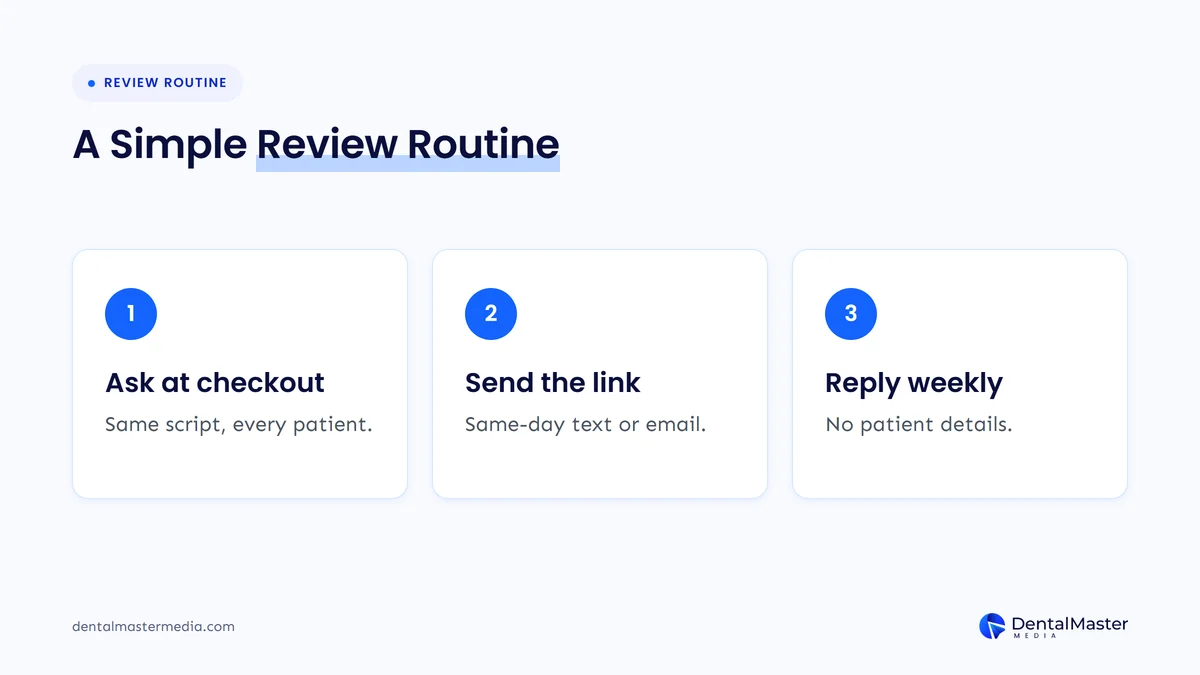
- Set up the link once. Copy your review link and save the QR code from a computer. Put the link in your reminder templates and print the code for reception.
- Ask at checkout. Use the same short script for every patient, with no conditions attached.
- Send one follow-up. A same-day text or email with the link and no treatment details.
- Reply every week. Block time for one person to reply to new reviews, using a reply template your compliance lead has approved.
- Review the process monthly. Check that requests are going to every patient and that nobody has added a reward or a filter.
At Dental Master Media, we suggest treating the review request like booking the next appointment: a normal step at the end of the visit, not a favor you ask only on a good day. When reviews keep coming in steadily, they also feed the local signals we cover in how patient reviews drive dental SEO rankings.
What happens if a practice breaks Google’s review rules?
Google removes reviews that break its fake engagement policy and may also restrict the Business Profile. Its help page lists three restrictions: no new reviews or ratings for a set period, existing reviews unpublished for a set period, and a warning telling people that fake reviews were removed. Google emails the owner before applying one.
Repeat problems can lead to longer restrictions. In July 2026, Search Engine Roundtable published a Google notice in which a business was told customers could not post new reviews or see past reviews for two months, after Google found more incentivized reviews following an earlier violation. Google’s help page itself only says “set period of time”, so durations may vary.
For a dental practice, losing visible reviews for weeks is a real cost, because patients comparing practices see a profile with no reviews and a warning instead of your rating.
How does the FTC fake review rule affect dental practices?
The FTC’s Consumer Reviews and Testimonials Rule, in effect since October 21, 2024, applies to US businesses on any platform, not only Google. It bans fake reviews, incentives tied to positive or negative sentiment, undisclosed insider reviews and suppressing negative reviews through threats or intimidation. Courts can impose civil penalties for knowing violations.
| Practice | FTC rule (US law) | Google’s policy |
|---|---|---|
| Fake or AI-written reviews from people who don’t exist | Banned | Banned |
| Incentive only for a positive review | Banned | Banned |
| Incentive for any review, disclosed, with no sentiment required | Not banned by the rule | Banned |
| Reviews from staff or relatives | Banned without clear disclosure, with limits | Banned as a conflict of interest |
| Asking only happy customers | No specific ban in the rule, but the FTC says it could violate the FTC Act | Banned |
| Threats or legal threats to remove a negative review | Banned | Not allowed: discouraging negative reviews is banned |
The practical answer for a dental practice is to follow the stricter of the two, which for Google reviews is almost always Google’s policy.
How can you check if your review process follows the rules?
Check your review process by walking through it as a patient would. Look at every message, card and script, then ask three questions: does every patient get the same invitation, is anything offered in return and could any reply reveal patient information? If any answer is wrong, fix that step first.
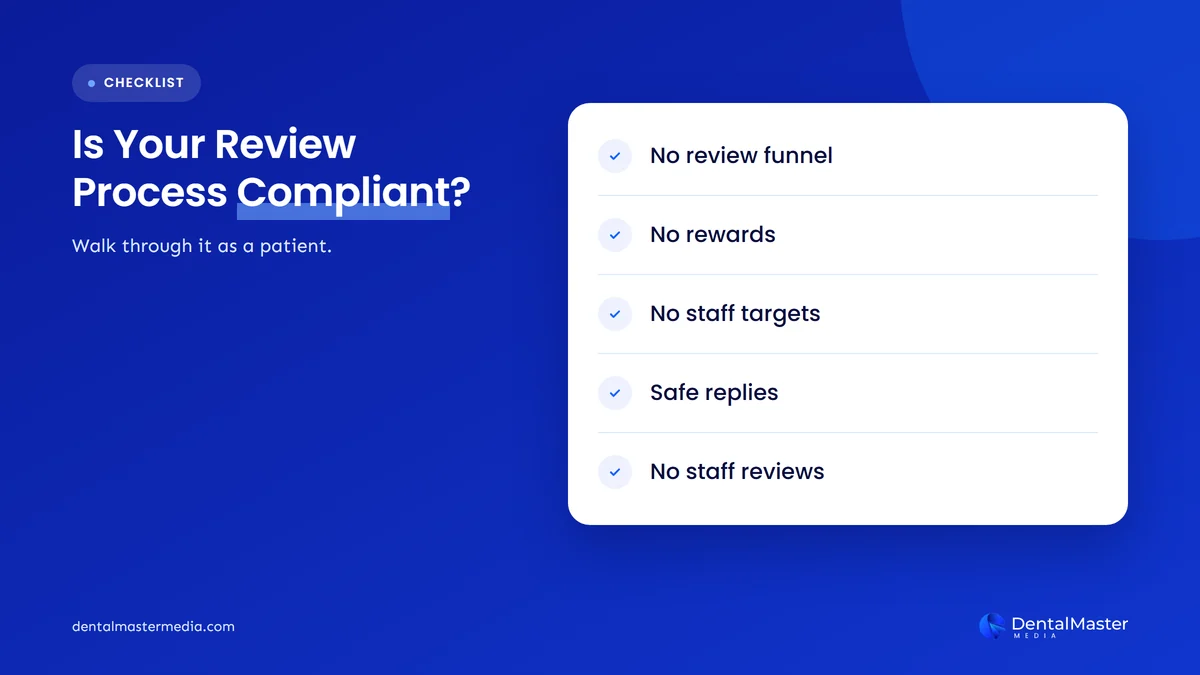
- Review software settings: turn off any “funnel” or rating screen that sends only high scores to Google.
- Promotions: remove any offer, draw or discount linked to reviews, including old posters and email templates.
- Team incentives: remove review targets and bonuses tied to review counts.
- Reply templates: make sure none of them names a treatment or confirms a visit.
- Old reviews: if staff or relatives have reviewed the practice, ask them to remove those reviews.
If your profile has already been restricted or suspended, our guide to a suspended Google Business Profile explains the next steps.
Frequently asked questions
Can a dental practice ask patients for Google reviews?
Yes. Google encourages businesses to ask customers for reviews and provides a review link and QR code for that purpose. The request has to go to every patient, with no reward attached and no pressure to post while the patient is at the practice.
Can we offer a prize draw or discount for leaving a review?
No. Google prohibits offering incentives such as payment, discounts or free goods and services in exchange for reviews. That includes prize draws, gift cards and free treatments. It applies even if you ask for honest reviews and even if the offer is disclosed.
Is it allowed to send a satisfaction survey before asking for a review?
A survey is fine on its own. It becomes review gating when only patients who answer positively are sent the Google link. If every patient gets the same review invitation regardless of their survey answer, the survey does not break Google’s rules.
Can staff leave reviews for the practice they work at?
No. Google treats reviews from current or former employees, and from relatives, as a conflict of interest and removes them. Staff can ask patients for reviews, but they should not review the practice themselves or be given a target number of reviews to collect.
Can we reply to a review that names a treatment the patient had?
You can reply, but in the US the reply must not confirm the person is a patient or repeat any detail of their care, even if they shared it first. Thank them, describe your standards in general terms and invite them to contact the practice privately.
What happens if Google finds incentivized reviews on our profile?
Google removes the reviews and may restrict the profile. Restrictions can block new reviews, hide existing reviews for a set period and show a public warning that fake reviews were removed. Repeat violations have led to longer restrictions.
Getting more reviews the right way
More Google reviews come from asking every patient, every time, in a way that is easy and free of pressure. Use Google’s own review link, keep requests steady, give your team a script instead of a target and reply without revealing anything about a patient’s care. Reviews are one part of a strong local presence, alongside your Business Profile, website and content, which is the work our dental SEO services cover at Dental Master Media.
See how your Google Business Profile measures up
Our free dental SEO audit looks at your Google Business Profile, reviews and website together, so you can see what is holding back calls from local patients and which fixes to make first.
Sources
- Google Maps User Generated Content Policy Help, “Prohibited & restricted content”, accessed November 12, 2026. https://support.google.com/contributionpolicy/answer/7400114
- Google Business Profile Help, “Tips to get more reviews”, accessed November 12, 2026. https://support.google.com/business/answer/3474122
- Google Business Profile Help, “Create a Google link or QR code to request reviews”, accessed November 12, 2026. https://support.google.com/business/answer/16816815
- Google Business Profile Help, “Business Profile restrictions for policy violations”, accessed November 12, 2026. https://support.google.com/business/answer/14114287
- Search Engine Roundtable, “Google Business Profiles Email: Detected A Spike In Spam Reviews”, September 22, 2026. https://www.seroundtable.com/google-business-profiles-spike-in-spam-reviews-42123.html
- Search Engine Roundtable, “Google Business Profile Restrictions & Penalties Are Additive”, July 3, 2026. https://www.seroundtable.com/google-business-profile-restrictions-double-41594.html
- Federal Trade Commission, “Federal Trade Commission Announces Final Rule Banning Fake Reviews and Testimonials”, August 14, 2024. https://www.ftc.gov/news-events/news/press-releases/2024/08/federal-trade-commission-announces-final-rule-banning-fake-reviews-testimonials
- Federal Trade Commission, “The Consumer Reviews and Testimonials Rule: Questions and Answers”, November 2024. https://www.ftc.gov/business-guidance/resources/consumer-reviews-testimonials-rule-questions-answers
- HIPAA Journal, “OCR Fines California Dental Practice for PHI Disclosures on Yelp”, December 14, 2022. https://www.hipaajournal.com/ocr-fines-california-dental-practice-for-phi-disclosures-on-yelp/
- @drewdoesmarktng on X, post on review funnels, November 10, 2026. https://x.com/drewdoesmarktng/status/2120287385908896245

Suraj Rana is the owner of Dental Master Media and a leading expert in SEO for dental practices. With a passion for dental marketing, he has successfully helped numerous dental clinics climb the search engine ranks. Suraj’s expertise makes him a go-to resource for effective, results-driven dental marketing.