Quick answer: Google added a 5-question FAQ to its back button hijacking spam policy on November 23, 2026. The policy covers any site that stops visitors from returning to the previous page, and Google says it acts only on pages that show the behavior. A dental practice should test its back button on mobile and ask who controls its third-party scripts.
Key takeaways
- Google’s Search Central updates log lists the back button hijacking FAQ on November 23, 2026, 7 months after the policy was introduced on April 13, 2026.
- Google defines back button hijacking as a site interfering with browser navigation so visitors cannot immediately return to the page they came from.
- Google says sites can keep working with ad platforms and that it acts only on pages that show back button hijacking.
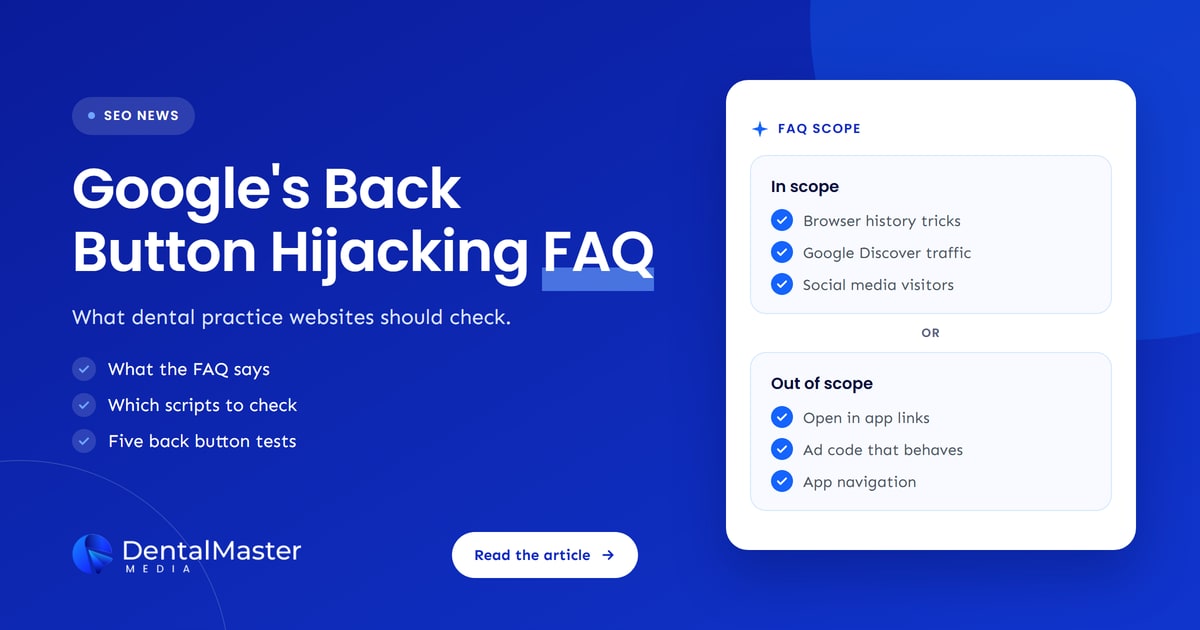
- The policy applies to Google Discover and to visitors who arrive from social media if the hijacking happens in a browser. Opening an external app is out of scope.
- A dental practice should tap the back button on its own pages from Google, Google Business Profile and ads, and ask its web team to list every third-party script.
What is back button hijacking in Google’s spam policy?
Back button hijacking is when a site interferes with user browser navigation by manipulating the browser history or other functions, so visitors cannot use the back button to immediately return to the page they came from. Google’s spam policies place it in the malicious practices section, and the policy was introduced on April 13, 2026.
Chris Nelson of the Google Search Quality team wrote in the Search Central announcement that the behavior can send visitors to pages they never chose to visit, show unsolicited recommendations or ads, or otherwise block normal browsing. For a dental practice, the risk is a patient who taps back from your page to compare another dentist and cannot leave. The rule applies to every site in Google Search, so it matters for any dental SEO plan, not only for large publishers.
What did Google’s back button hijacking FAQ add?
Google’s back button hijacking FAQ adds 5 questions and answers to the spam policy, according to the Search Central updates log entry of November 23, 2026. The FAQ answers common questions Google received about ad platforms, reporting, Discover, non-Search traffic and external apps.
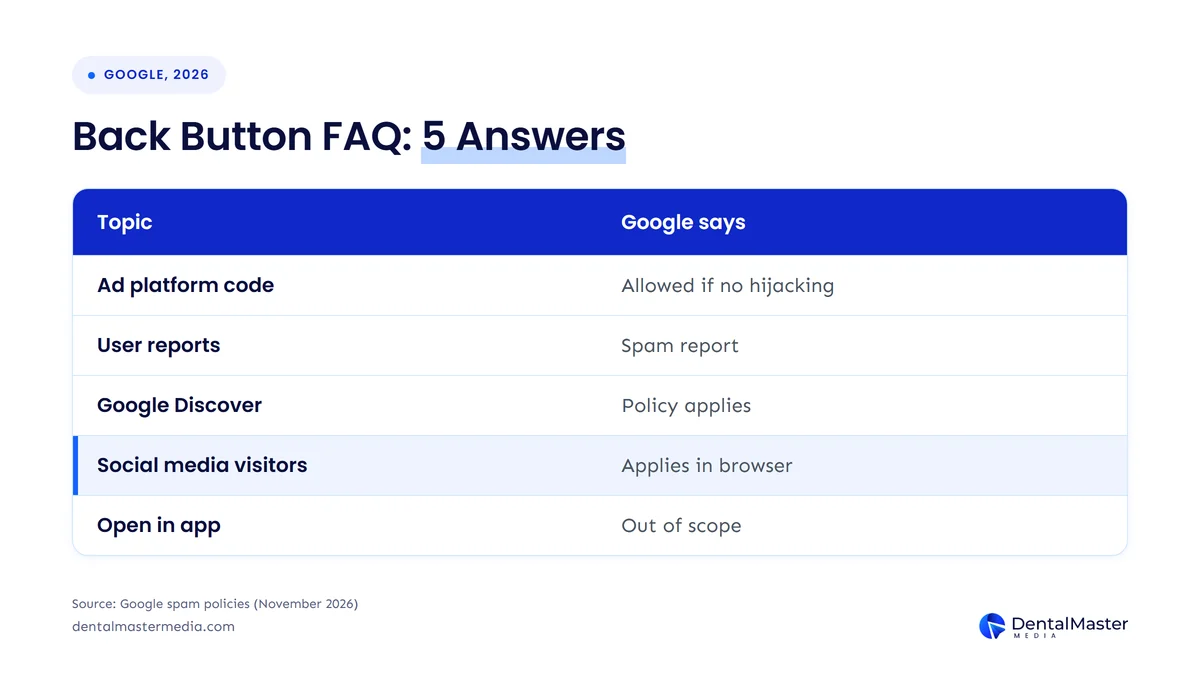
| FAQ topic | What Google says | Source |
|---|---|---|
| Ad platform code | Sites can keep working with ad platforms. Google acts only on pages that show back button hijacking. | Spam policies, FAQ 1 |
| User reports | Visitors can report a site through the Search Console spam report. | Spam policies, FAQ 2 |
| Google Discover | The policy applies, because Discover is part of Search. | Spam policies, FAQ 3 |
| Non-Search traffic | The policy applies to visitors from sources like social media if the hijacking happens in a browser. | Spam policies, FAQ 4 |
| Opening an external app | Out of scope. App navigation and “open in app” behavior are not covered. | Spam policies, FAQ 5 |
The table shows that the policy follows the behavior in the browser, not the traffic source or the script vendor. Barry Schwartz of Search Engine Roundtable reported the same 5 answers on November 23, 2026.
Which scripts can cause back button hijacking on a dental website?
Any script that changes the browser history can cause back button hijacking on a dental website, and Google says some instances may originate from a site’s included libraries or advertising platform. The 5 script types below are the ones a dental practice site commonly carries, so each deserves a test.
The 5 script types to review on a dental website are listed below.
- Chat widget scripts: a chat widget loads code on every page, so test the back button with the chat window open and closed.
- Popup and exit-intent scripts: popups that offer a discount or a booking form should close without changing the page history.
- Booking and review widget scripts: embedded booking and review tools often load another page inside yours, so test going back from them.
- Ad and call tracking scripts: Google Ads landing pages and call tracking code add third-party scripts, so test each landing page from the ad itself.
- Redirect plugin scripts: a redirect plugin that sends visitors from one URL to another should not trap them in a loop when they tap back.
Our post on dental website speed fixes covers why the same third-party scripts also slow pages down, so one script audit serves both goals.
When did the back button hijacking policy start and what happens to violating sites?
The back button hijacking policy was introduced on April 13, 2026, and Google started enforcing it on June 15, 2026. Google’s spam policies say violating sites may rank lower in results or may not appear at all, and Google finds violations with automated systems and human review.
The 3 dates and the penalty path are listed below.
- April 13, 2026: Google adds the back button hijacking section to its malicious practices spam policy.
- June 15, 2026: enforcement starts, two months after the announcement, so site owners had time to make changes.
- November 23, 2026: Google adds the 5-question FAQ to the policy.
- Penalty path: automated demotion or a manual action. After you fix the issue, Google says you can submit a reconsideration request in Google Search Console.
Our guide on Google core updates and dental websites explains how ranking changes from core updates differ from the spam actions above.
How can a dental practice test for back button hijacking?
A dental practice can test for back button hijacking in 5 steps by tapping the back button on a phone from each entry point and checking that it returns to the previous page in one tap. The test needs no special tools.
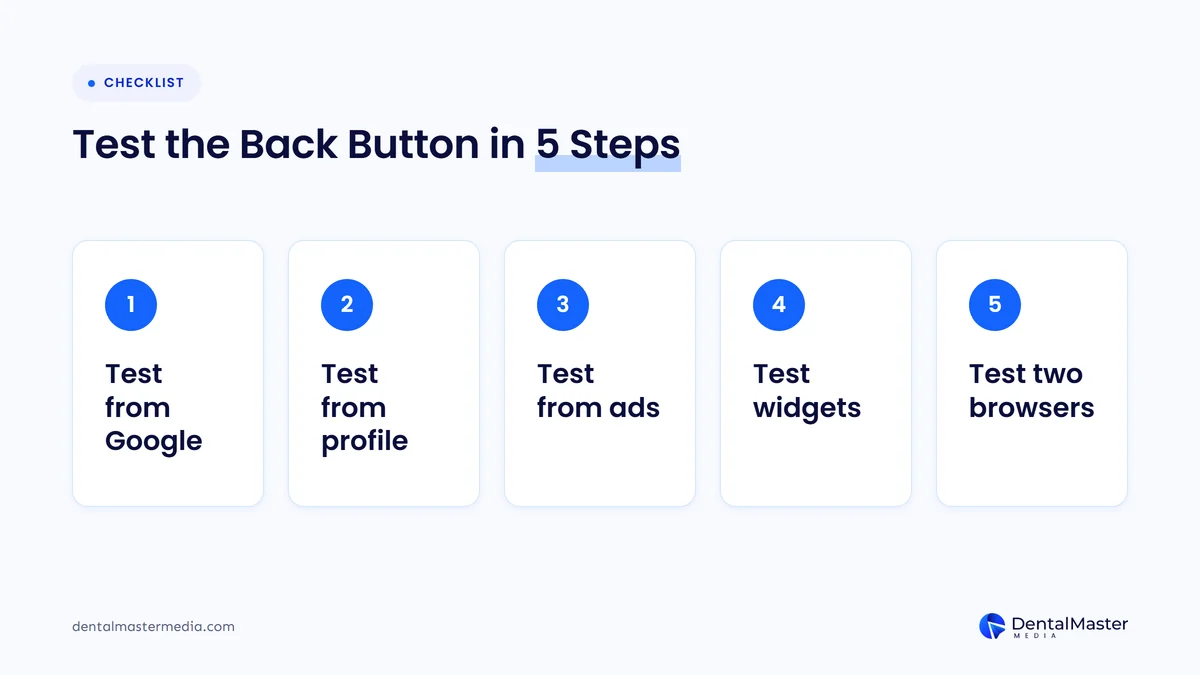
The 5 back button tests for a dental website are listed below.
- Search your practice on a phone. Open your homepage and service pages from Google Search, tap back once, and confirm you return to the results.
- Open your website from Google Business Profile. Tap your website button, then tap back once, and confirm you return to the profile.
- Click your own Google Ads. Open each ad landing page, tap back once, and confirm you return to the results.
- Trigger every widget and popup. Open the chat window, a popup and the booking tool, close each one, then tap back once.
- Repeat in a second browser. Run the same tests in Safari and Chrome on a phone, because your patients use both.
Write down any page that needs more than one tap to leave, and send the list to whoever manages the website. A page that fails the test may have a script problem, a redirect problem or both.
What should a dental practice ask its web developer or agency about back button hijacking?
A dental practice should ask its web developer or agency to list every third-party script, confirm that none changes the browser history, and show the back button tests they ran. Google’s announcement says owners should review their technical setup and remove or disable code causing the behavior.
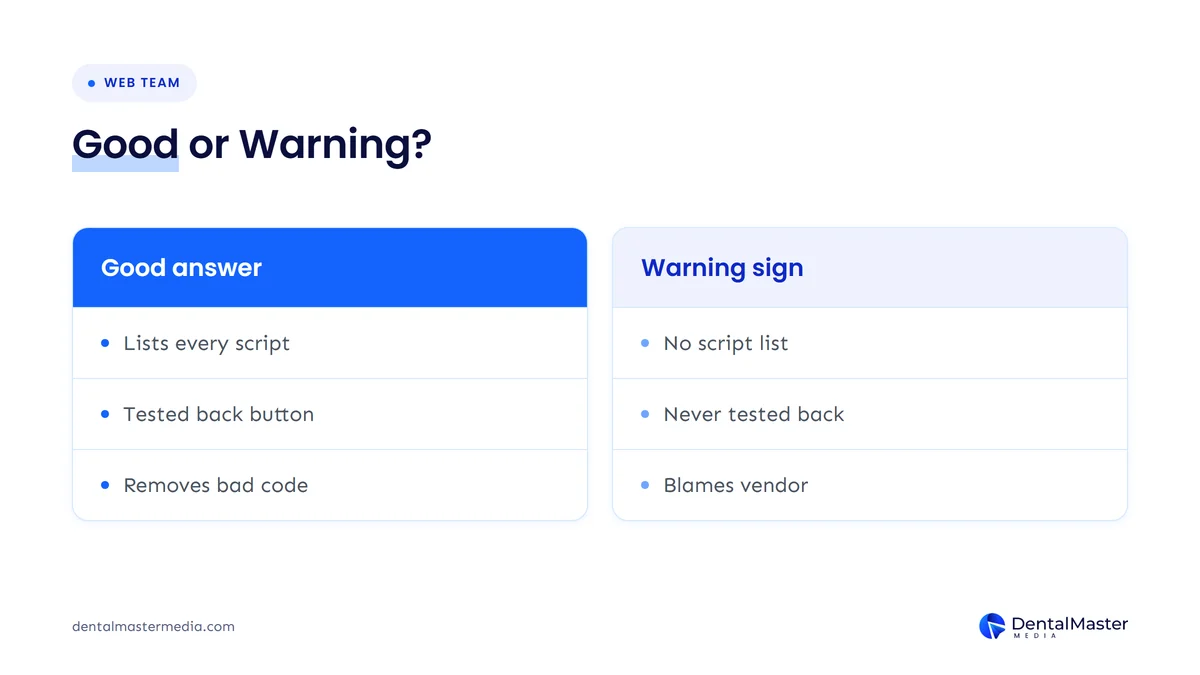
The 4 questions to send your web team are listed below.
- Ask for a script list. Request every third-party script on the site, with the vendor and the page it loads on.
- Ask about history changes. Confirm whether any script, popup or redirect plugin adds or replaces entries in the browser history.
- Ask about the ad platform code. Confirm that landing pages for Google Ads pass the back button test, since Google says it acts only on pages that show the behavior.
- Ask for a fix date. If a page fails, request the date the script is removed or disabled, then repeat the tests.
Our dental website development team builds and maintains sites so that scripts are limited to the ones a practice needs.
Frequently asked questions
Does Google’s back button hijacking policy apply to my dental website?
Yes, the back button hijacking policy applies to every website that appears in Google Search, including a dental practice website. Google’s spam policies cover any page that interferes with browser navigation so visitors cannot return to the previous page.
Can I keep using ad platform scripts on my dental website?
Yes, you can keep working with ad platforms and importing their code. Google’s FAQ says it acts only on pages that show back button hijacking behavior, so test your landing pages instead of removing the ad code.
Does the policy apply to visitors from social media or Google Discover?
Yes, the policy applies to both. Google says Discover is part of Search, and the policy applies to visitors from sources like social media if the hijacking happens while they browse in a browser.
Does an “open in app” link count as back button hijacking?
No, opening an external app is out of scope. Google’s FAQ says app navigation and “open in app” behavior are not covered by the back button hijacking policy.
How can a patient report a site for back button hijacking?
A patient can report it through Google’s spam report in Search Console. Google’s FAQ names the spam submission report as the route for users who see back button hijacking.
Check the back button before Google or a patient does
Google’s November 23, 2026 FAQ confirms that back button hijacking is judged page by page, in the browser, whatever the traffic source. A dental practice should test the back button from Google Search, Google Business Profile and ads, and keep a written list of its third-party scripts.
Clean, fast pages are part of the work we do at Dental Master Media, alongside our dental SEO services. If a page fails the tests above, our dental web development service can rebuild it, and our guide to tracking calls and bookings from your dental website shows how to keep tracking scripts under control.
Not sure what your website scripts are doing?
Book a free dental SEO strategy call and we will talk through your website scripts, your back button tests and what to fix first.
Sources
- Google Search Central, “Spam policies for Google web search”, back button hijacking FAQ, accessed November 24, 2026. https://developers.google.com/search/docs/essentials/spam-policies#back-button-hijacking-faq
- Google Search Central, “Search Central documentation updates”, entries of November 23, 2026 and April 13, 2026. https://developers.google.com/search/updates
- Google Search Central Blog (Chris Nelson), “Introducing a new spam policy for back button hijacking”, April 13, 2026. https://developers.google.com/search/blog/2026/04/back-button-hijacking.md.txt
- Search Engine Roundtable (Barry Schwartz), “Google Posts FAQs on Back Button Hijacking Spam”, November 23, 2026. https://www.seroundtable.com/google-faqs-back-button-hijacking-42601.html

Suraj Rana is the owner of Dental Master Media and a leading expert in SEO for dental practices. With a passion for dental marketing, he has successfully helped numerous dental clinics climb the search engine ranks. Suraj’s expertise makes him a go-to resource for effective, results-driven dental marketing.