
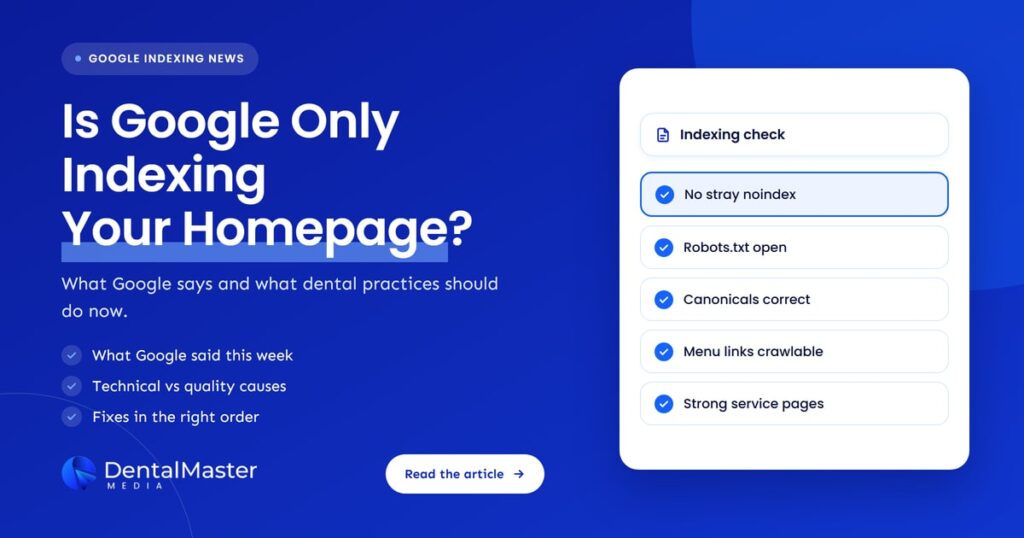
Quick answer: When Google indexes only a dental practice’s homepage, the cause is either technical (noindex tags, robots.txt blocks, wrong canonicals, links Google can’t follow, a leftover hack) or quality, where Google crawls the inner pages but decides they aren’t worth indexing. Check Search Console’s Page indexing report first, fix any technical block, then improve the pages.
Key takeaways
- On November 3, 2026, Search Engine Roundtable reported a site that had shrunk to a single indexed page, its homepage, after a hack was cleaned up. Google’s John Mueller said it sounded like a general quality issue that might be unrelated to the hack.
- Google’s own documentation says it does not promise to crawl or index every page, and that indexing depends on the content of the page.
- The Page indexing report in Search Console tells you why each page is left out. “Crawled, currently not indexed” points toward quality, while “noindex” or “blocked by robots.txt” points to a technical setting.
- Dental websites built from templates, with thin service pages that read like every other practice’s, are most exposed to the quality version of this problem.
- Fixes take time. Google says it can take several months for its systems to recognize that a site has improved.
What changed?
Nothing in Google’s rules changed. What is new is a public reminder from Google that a site can lose almost all of its indexed pages for quality reasons, even when the owner blames something else. Google’s documentation already says indexing depends on page content and that low-quality content is a common reason pages are left out.
Google’s “In-depth guide to how Google Search works” (last updated December 18, 2025) states that Google does not promise to crawl, index or serve any page, and lists low content quality among the common indexing issues. Its Page indexing report help says plainly that you should not expect every URL on your site to be indexed. Those two documents are the starting point for any practice in this position.
The news angle comes from Search Engine Roundtable’s November 3, 2026 article. An SEO described on Bluesky how a client’s site was hacked the year before, cleaned up, and then stuck with only its homepage in Google’s index. Mueller replied that, without more detail, it sounded like a general quality issue that might be unrelated to the hack. He added that a hack left in place for many months could still matter, and that timing can make the real cause hard to see, for example when a hack and a core update land close together. The article’s author noted that an incomplete cleanup or a technical problem were still possible.
What does “only the homepage is indexed” mean?
Indexing is Google storing a page so it can appear in search results. If only your homepage is indexed, Google knows your practice exists but won’t show your implant, Invisalign, emergency or location pages for any search. Patients searching for a treatment will find another practice’s page instead of yours.
Being crawled and being indexed are different steps. Google can visit a page (crawl it) and still decide not to store it (index it). The Search Console report labels each step separately, which is what makes it possible to tell a technical block from a quality decision.
Who is affected?
Any website can end up with only its homepage indexed, but dental practices tend to hit it in a few predictable situations: after a hack, after a redesign or platform move, on a brand-new site, or when the service pages are short, templated and close to identical to thousands of other dental websites.
- Practices that were hacked. Spam pages added by a hacker, or a cleanup that left code or redirects behind, can drag down how Google sees the whole site.
- Practices that redesigned or changed platform. A staging site’s noindex setting or robots.txt block is easy to carry over to the live site by mistake. Our guide on why practices lose rankings after a website redesign covers the wider risks.
- New practices. A new domain with few links pointing to it may see Google discover pages slowly.
- Sites with templated content. Service pages that repeat the same generic text found on other dental sites give Google little reason to index them.
Why would Google index only a dental website’s homepage?
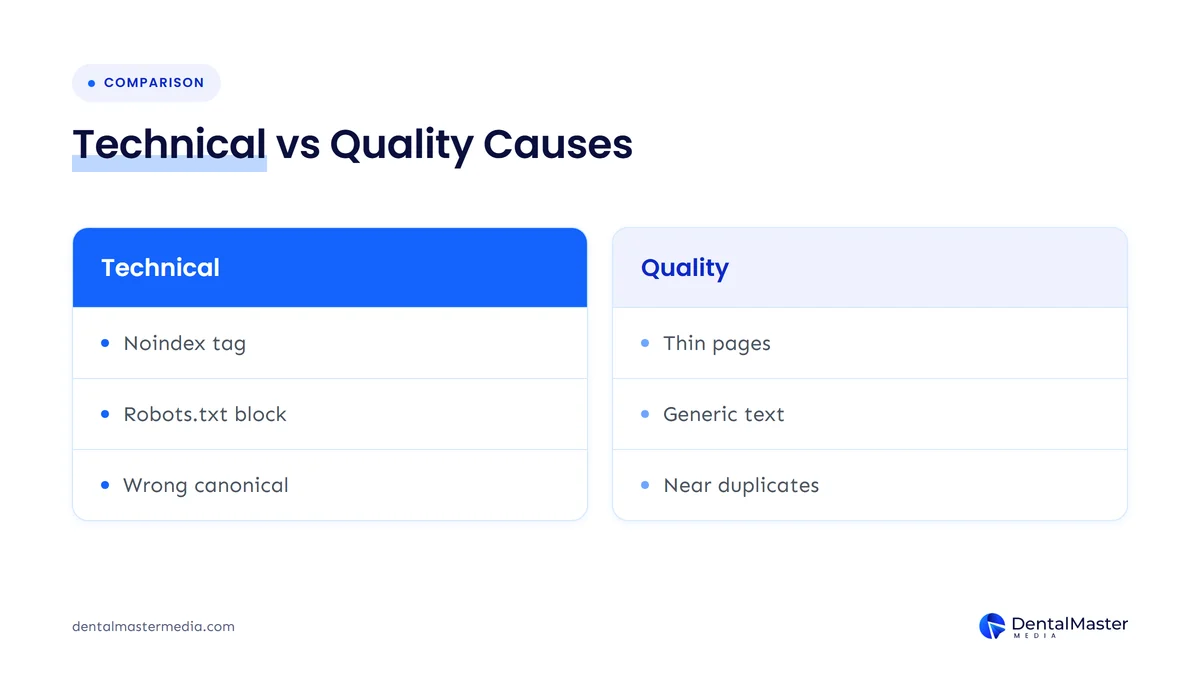
Google indexes only the homepage when it either can’t reach or isn’t allowed to index the other pages, or when it reaches them and judges them not worth storing. The first group is technical and usually quick to fix. The second is about quality and takes longer, because the pages themselves have to get better.
The Page indexing report gives each excluded page a reason. This table matches the reasons you are most likely to see with what they usually mean on a dental site:
| Search Console reason | What it means | Likely cause on a dental site | Type |
|---|---|---|---|
| URL marked “noindex” | A tag on the page tells Google not to index it | An SEO plugin or theme setting, often left on after a redesign | Technical |
| Blocked by robots.txt | Google is told not to crawl the page | A robots.txt file copied from a staging site | Technical |
| Alternate page with proper canonical tag, or duplicate without user-selected canonical | Google treats the page as a copy of another URL | Canonical tags that all point to the homepage, or near-identical location pages | Technical or content |
| Discovered, currently not indexed | Google knows the URL but hasn’t crawled it yet | Weak internal linking, a new site, or pages Google doesn’t see as a priority | Often quality or links |
| Crawled, currently not indexed | Google read the page and chose not to index it | Thin, generic or duplicated service pages | Usually quality |
Two other places in Search Console are worth checking. The Security issues report shows if Google has found hacked content, malware or social engineering on the site. The Manual actions report shows if a reviewer at Google has taken action against the site. Either one changes your first step.
Can menus and links stop Google finding your pages?
Yes. Google’s link guidance says it can reliably follow links only when they are standard HTML links with a real URL. Menus built with buttons or scripts that don’t use proper links can hide every inner page from Google, so it only ever sees the homepage. Google also says every page you care about should be linked from at least one other page.
You can check this with the URL Inspection tool in Search Console: test the live homepage and look at the rendered HTML to see whether your menu links appear as normal links.
How do you tell a quality problem from a technical problem?
Look at the reason Search Console gives for your important pages. If they are marked noindex, blocked, or canonicalized to the homepage, the problem is technical. If they show “crawled, currently not indexed” with no technical block, Google has seen them and decided against indexing, which is a quality signal.
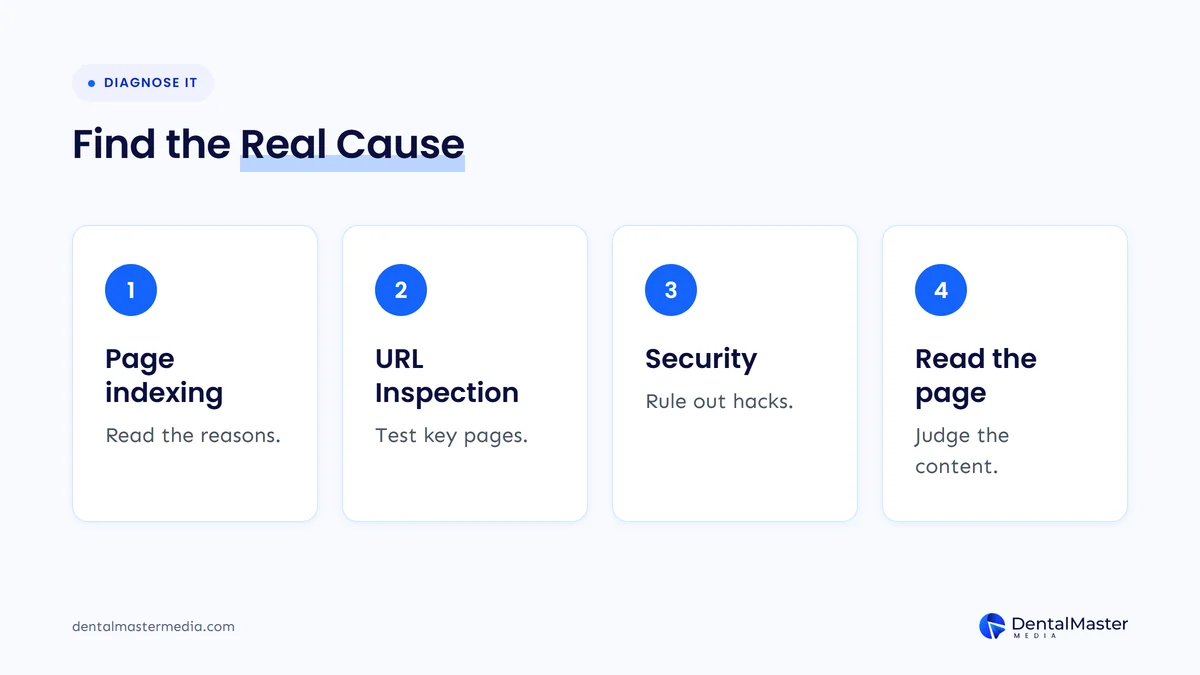
- Open the Page indexing report. Note the count of indexed pages and the reasons listed under “Why pages aren’t indexed.”
- Inspect your key pages. Run your top treatment pages through the URL Inspection tool and read the index status, the canonical Google selected and whether crawling is allowed.
- Check Security issues and Manual actions. Rule out a hack or a penalty before anything else.
- Read the pages as a patient would. If they are technically fine but still not indexed, compare them honestly against Google’s helpful content questions.
Google notes that the live test in URL Inspection doesn’t check every issue covered by the Page indexing report, including duplicate and canonical conditions. Use both tools together rather than relying on one.
What does this mean for dental practices?
For a dental practice, an unindexed service page earns no traffic at all. If only the homepage is indexed, you can still appear for your practice name, but not for the treatment searches that bring in new patients. That makes this one of the first things to check when organic enquiries fall away for no clear reason.
Mueller’s reply is a useful warning against jumping to conclusions. A practice that was hacked will naturally blame the hack, and a practice that just redesigned will blame the new site. Both may be right, but the content on the inner pages might be the real reason. Google’s helpful content guidance asks whether a page offers original information or analysis beyond the obvious and whether it was made mainly to help people. A page about dental implants that repeats the same few paragraphs found on many other dental sites struggles with both questions. We cover that risk in more depth in why Google is penalizing generic dental website content.
What should you do now?
Start with Search Console, fix any technical block straight away, clean up fully after any hack, then rework the inner pages so each one is worth indexing on its own. Once the pages are improved, submit an updated sitemap and request indexing for your most important pages, then give Google time to reassess.
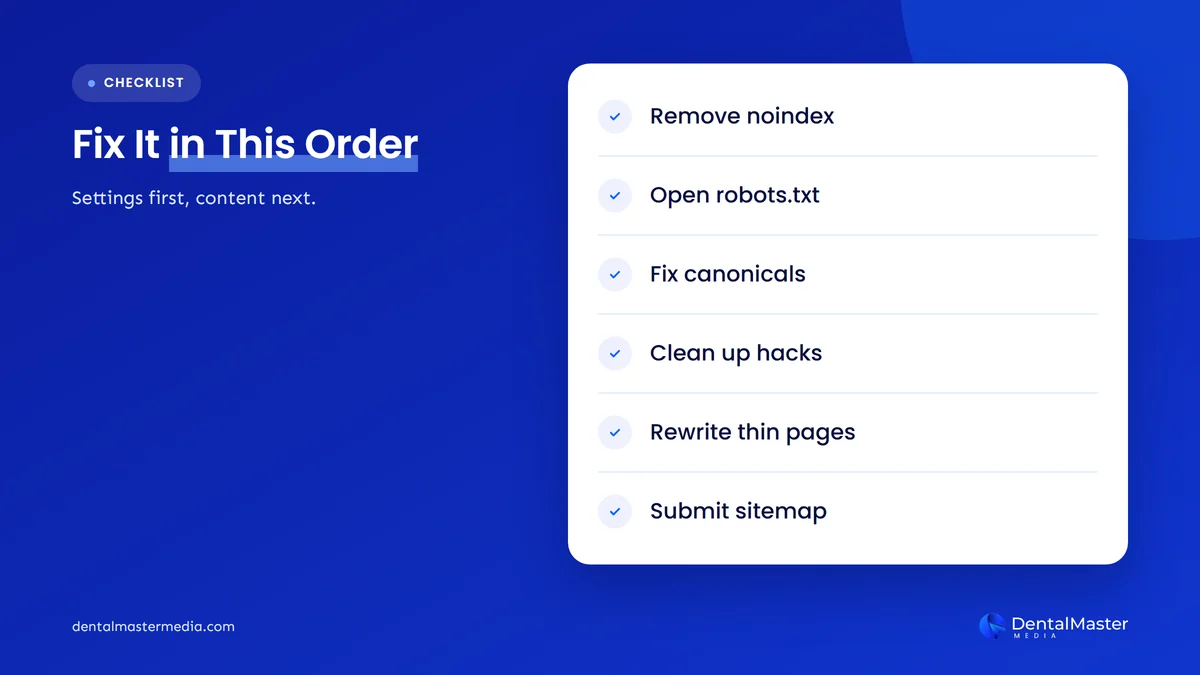
- Remove accidental noindex tags. Check your SEO plugin and theme settings, and confirm the fix with the URL Inspection live test.
- Fix robots.txt. Make sure it doesn’t block your service or location pages. Google’s help notes that robots.txt is not the right way to keep a page out of search; a noindex tag is.
- Correct canonical tags. Each service page should point to itself, not to the homepage.
- Make menu links crawlable. Use standard HTML links and link every important page from at least one other page, including from related treatment pages.
- Finish any hack cleanup. Remove spam pages and injected code, then fix every issue in the Security issues report before you request a review. Google says reviews can take days or weeks.
- Rewrite thin service pages. Explain who the treatment suits, what the visit involves, recovery, costs or payment options you can share, and who on your team does the work.
- Submit a sitemap and request indexing. Use a sitemap for the full list and URL Inspection for your top pages. Google says resubmitting the same URL won’t speed things up.
Our technical SEO checklist for dental websites goes through the settings side of this in more detail.
How long does it take for pages to come back?
Technical fixes can show up within days to a few weeks, once Google recrawls the pages. Quality problems take longer. Google’s core updates guidance says it can take several months for its systems to learn and confirm that a site has improved, and some changes may not show until a later core update.
When you validate a fix in the Page indexing report, Google says validation typically takes up to about two weeks. Don’t click “Validate fix” again while one is running. If you want a sense of how indexing fits into the wider SEO timeline, read how long dental SEO takes to bring in new patients.
What’s likely next?
This is our view, not a Google statement. We expect Google to keep pointing site owners toward quality when only a handful of pages are indexed, because its documentation already frames indexing as a choice rather than a right. For dental practices, that means fewer, stronger treatment pages will usually do better than many thin ones.
It also means a hack cleanup or a redesign should be followed by a content review, not just a technical check. If both happen in the same year, expect recovery to take longer and plan for it.
Frequently asked questions
How do I check how many pages Google has indexed?
Open Google Search Console and go to the Page indexing report. It shows how many of your pages are indexed and lists the reasons other pages are not. For a single page, use the URL Inspection tool, which shows whether that URL is indexed and which canonical Google chose.
Is it normal for some pages not to be indexed?
Yes. Google’s Page indexing report help says you should not expect every URL on your site to be indexed, because some are duplicates or have little meaningful content. The concern is when your important treatment and location pages are missing, not when tag pages or old duplicates are left out.
Can a hacked website stop Google indexing my pages?
It can. Hacked content can harm how Google sees your site, and Google’s John Mueller said a hack left in place for many months could still have an effect after cleanup. Check the Security issues report, fix every listed issue and request a review. Then review page quality as well.
Will requesting indexing fix the problem?
Not on its own. Google says requesting a crawl doesn’t mean the page will be included in search quickly or at all, and that resubmitting the same URL won’t speed up crawling. Requesting indexing helps after you have fixed the cause, not before.
What does “crawled, currently not indexed” mean for a dental website?
It means Google visited the page and chose not to add it to the index. Google says this status doesn’t always need action, but on a key treatment page it usually points to content that is thin, generic or too similar to other pages. Strengthening the page is the most direct fix.
The bottom line
If Google indexes only your homepage, your treatment pages can’t bring in new patients from search. Start with the Page indexing report, clear any technical block, finish any hack cleanup and then make each service page worth indexing in its own right. Expect technical fixes to show within weeks and quality fixes to take months. To see how we handle indexing and content for practices, read about our dental SEO services at Dental Master Media.
Find out why Google is skipping your pages
Our free dental SEO audit checks how many of your pages Google has indexed, flags technical blocks such as noindex tags and canonical errors, and shows which treatment pages need stronger content before they can rank.
Sources
- Google Search Console Help, “Page indexing report”, accessed November 4, 2026. https://support.google.com/webmasters/answer/7440203
- Google Search Central, “In-depth guide to how Google Search works”, updated December 18, 2025. https://developers.google.com/search/docs/fundamentals/how-search-works
- Google Search Central, “Creating helpful, reliable, people-first content”, updated October 5, 2026. https://developers.google.com/search/docs/fundamentals/creating-helpful-content
- Google Search Central, “Google Search’s core updates and your website”, updated December 10, 2025. https://developers.google.com/search/docs/appearance/core-updates
- Google Search Central, “SEO link best practices for Google”, updated December 10, 2025. https://developers.google.com/search/docs/crawling-indexing/links-crawlable
- Google Search Central, “Ask Google to recrawl your URLs”, updated December 10, 2025. https://developers.google.com/search/docs/crawling-indexing/ask-google-to-recrawl
- Google Search Console Help, “Security issues report”, accessed November 4, 2026. https://support.google.com/webmasters/answer/9044101
- Search Engine Roundtable, “Only Home Page Indexed? Might Be A Google Search Quality Issue”, November 3, 2026. https://www.seroundtable.com/google-quality-issues-home-page-indexed-42439.html

Suraj Rana is the owner of Dental Master Media and a leading expert in SEO for dental practices. With a passion for dental marketing, he has successfully helped numerous dental clinics climb the search engine ranks. Suraj’s expertise makes him a go-to resource for effective, results-driven dental marketing.