
Quick answer: Search Engine Roundtable reported on November 9, 2026, that Google appears to be adding “Book Online” buttons to some Business Profiles without any setup. Some lead to a Google error page, others to a contact page. Google hasn’t commented. Test your own button, check every link in the Bookings section and set your own page as preferred.
Key takeaways
- This is a reported change, not a confirmed one. Search Engine Roundtable covered reports from local SEO practitioners, and Google has made no statement about it.
- Some of the new buttons reportedly point to Google’s own booking flow and return a 500 error. Others send people to the business’s contact or scheduling page.
- One practitioner reported that adding a Contact page URL in the booking link field now triggers a “Book Online” button, which used to need a booking partner.
- Patients who tap “Book Online” expect to book. A broken page or a vague contact form at that moment can lose the appointment.
- Google’s help pages let you add up to 10 booking links and mark one as “Business preferred”. That is the main control you have today.
What changed?
On November 9, 2026, Search Engine Roundtable reported that Google may be adding booking links to some Business Profiles automatically. Businesses that never set up a booking partner or booking software were showing “Book Online” or “Schedule Online” buttons in Google Search and Maps. Google has not confirmed or explained the change.
The Search Engine Roundtable report by Barry Schwartz pulls together several first-hand accounts shared the previous Friday:
- Brandon Schmidt said a colleague found “Book Online” links on a home care business’s profile with no booking software set up, and that he saw one on a home services client’s profile. He said links pointing to Google’s “maps/reserve” flow showed a 500 error, while links for businesses with a set-up link or software worked.
- Joy Hawkins shared a “Schedule Online” button that returned a 500 error when she clicked it. She noted that home service businesses could previously only get these buttons through Google’s approved booking partners, and that the profiles she saw sent people to a contact form.
- Syed Amir reported that, across several client profiles, adding a website’s Contact page in the booking link field now triggers the “Book Online” button.
Barry Schwartz also found a booking button on his own company’s profile. When he tested it, the button took him to the company’s contact and scheduling page, and he wondered whether the 500 errors others saw were a temporary bug.
So the picture is mixed. Some buttons work, some lead to an error, and some lead to a page that isn’t really a booking page. None of the reports we read named a dental practice, but dental practices use the same Business Profile booking features as the businesses in the report.
What is a “Book Online” button on a Google Business Profile?
A “Book Online” button is the booking action Google shows on a Business Profile in Search and Maps. It usually comes from one of two places: a booking link the business adds in its profile’s Bookings section, or a booking provider connected through Google’s Reserve with Google program. A tap sends the patient to that link or provider.
Google’s help page on local business links says you can add up to 10 links for booking an appointment and mark one of them as “Business preferred”, so it appears at the top. Its separate help page on booking providers explains that providers connect through Reserve with Google and that the provider’s booking options then show on your profile.
The reports suggest a third route: Google showing the button on its own, or turning an ordinary link such as a contact page into a booking button. That is the part Google hasn’t explained. Our earlier guide, How Can Patients Book Your Dental Practice Directly From Google? Booking Links Explained, covers the normal set-up in detail.
Who is affected?
Any dental practice with a Google Business Profile could be affected, because the reports describe buttons appearing without the owner doing anything. Practices that put a contact page or general website link in the booking field are most likely to see a new button. Practices that already use a scheduler or a booking provider should still check where their button goes.
Based on what has been reported, three groups should look first:
- Practices with no online booking. If Google adds a button that points to its own booking flow and that flow errors, a patient sees a broken page under your name.
- Practices that used a contact page as a booking link. If that link now shows as “Book Online”, patients will tap it expecting to pick a time and land on a general enquiry form.
- Practices with several booking links. Old links from previous software, a former marketing provider or a directory may still sit in the Bookings section, and you don’t control which one a patient taps unless you set a preferred link.
What might patients see when they tap the button?
Patients could land on your own online scheduler, your contact page, a third-party booking provider, or a Google error page, depending on how the button was created. Only the first gives them what “Book Online” promises. The fastest way to know is to tap your own button on a phone and on a computer today.
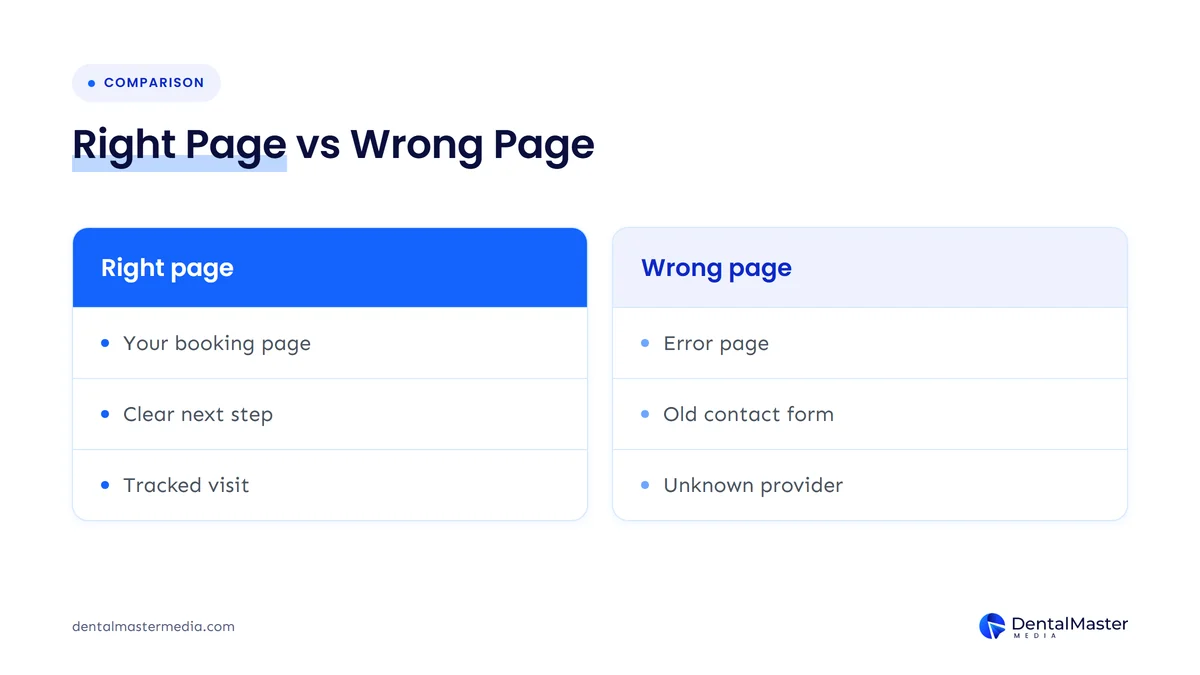
| What opens after the tap | What it probably means | What to do |
|---|---|---|
| Your own online booking page | Your link is set up and working | Mark it as Business preferred and tag it for tracking |
| Your contact page or enquiry form | A contact link may now be showing as a booking button | Add a real booking page, or make the form clearly ask for an appointment |
| A booking provider you don’t recognize | A partner may have added a link | Contact the provider to opt out, as Google’s help page describes |
| A Google error page (500) | Possibly the reported fault in Google’s own booking flow | Add your own working link, set it as preferred and retest |
| No button at all | Nothing has been added to your profile so far | Decide whether you want online booking, and check again next week |
Sources: Search Engine Roundtable (November 9, 2026); Google Business Profile Help, “Manage your local business links”.
How do you check your practice’s booking button?
Search for your practice name on Google and open your listing in the Google Maps app. Look for “Book Online”, “Schedule Online” or a similar button, tap it and note where it lands. Then open the Bookings section of your Business Profile and review every link listed there.
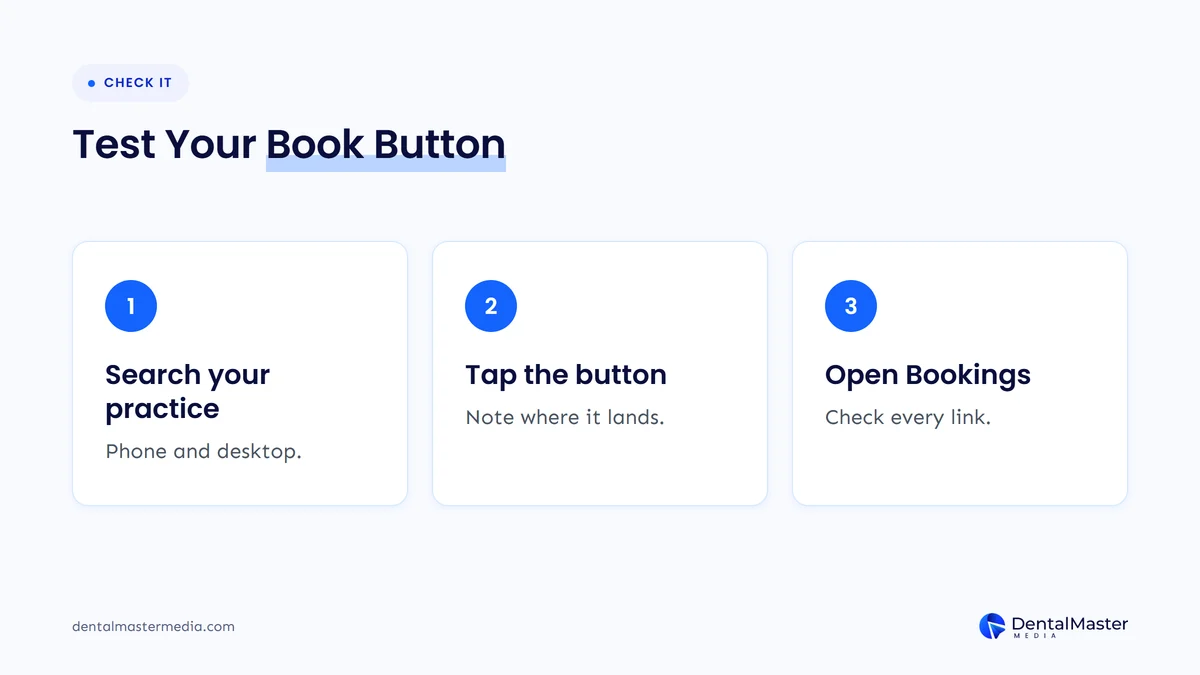
- Search on two devices. Look up your practice in Google Search on a computer and in Google Maps on a phone, signed out if you can, so you see roughly what a patient sees.
- Tap the button. Write down the exact page it opens. If it shows an error, take a screenshot with the date and time.
- Open the Bookings section. Google’s help page says that in Search you select Booking from your Business Profile, and in Maps you select Edit profile, then the booking option. Check every link listed there.
- Remove what you didn’t add. Delete old links you control. For links added by a booking provider, Google says you can’t delete them in your profile settings and must contact the provider instead.
- Set your preferred link. If more than one link is listed, select “Set preferred link” and choose your own booking page.
What if the button leads to a 500 error?
You can’t fix an error on Google’s side, but you can give Google a working alternative. Add your own booking page in the Bookings section, mark it as Business preferred, then test the button again. If the error keeps appearing, contact Google Business Profile support with your dated screenshots.
We can’t promise that adding your own link will replace a button Google created, because Google hasn’t said how these buttons are chosen. It is still the best step available, and it gives patients a working route even while the issue lasts. Barry Schwartz suggested the error may be a temporary bug, so retest after a few days as well.
What if the button opens your contact page?
If “Book Online” opens a general contact page, either replace it with a real booking page or make that page work as an appointment request. A patient who tapped “Book” should see a short form that asks for a preferred day and time, plus your phone number, not a generic “send us a message” box.
Keep the form short and don’t ask for health details in an open web form. For a new patient, name, phone number, preferred time and the reason for the visit in a few words is usually enough to call them back. Make sure someone checks those requests during opening hours, and reply quickly, since the patient believes they have already started booking.
Should a dental practice use online booking at all?
If the reports are accurate, the button may appear whether you planned for it or not, so the real question is what sits behind it. A practice that can offer real appointment slots online should link to them. A practice that can’t should offer a clear appointment request page that the team answers the same day.
Both approaches can work for a dental practice. What matters is that the label and the page match. Our guide to what a dental website homepage should include covers how booking and contact options should appear on your own site, so the journey from Google feels like one path.
How do you track bookings that come from the button?
Add UTM tags to the booking link you put in your Business Profile, so visits from it show up separately in Google Analytics. Google’s help page on booking providers notes that performance data isn’t available for custom links, so your own tracking is the only reliable way to see whether the button brings in appointments.
Tracking also helps you spot problems. If your profile gets views but the tagged booking link records no visits for weeks, the button may be broken, hidden or pointing somewhere else. Our guide on how to track calls and bookings from your dental website explains how to set this up step by step.
What should you do now?
Test your booking button this week, clean up the Bookings section, set your own page as preferred and tag it for tracking. If the button errors, add a working link and report the problem. Then put a monthly reminder in the diary to tap the button again, because these features can change without notice.
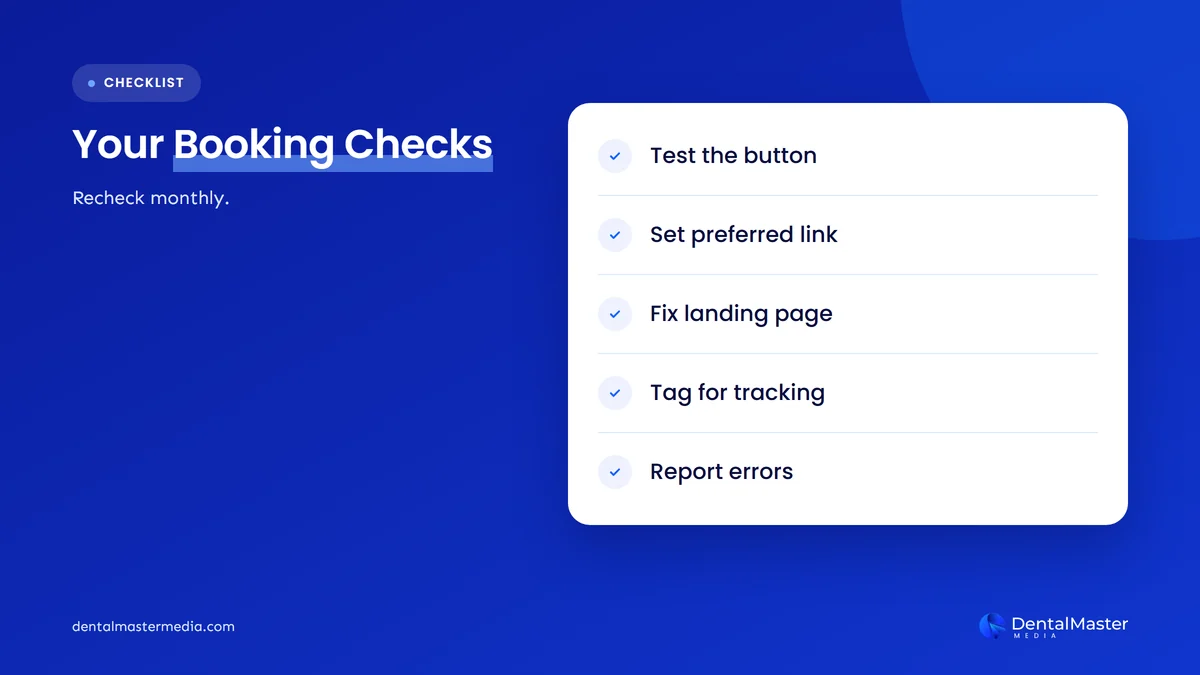
- Test the button on a phone and a computer, and record where it goes.
- Review every booking link in your Business Profile and remove old ones you control.
- Set your preferred link to your own booking or appointment request page.
- Fix the landing page so it lets patients book or request a time.
- Tag the link with UTM parameters and check visits in Google Analytics.
- Contact unknown providers to opt out, as Google’s help page describes.
- Report errors to Google Business Profile support with dated screenshots.
While you are in your profile, it is worth checking the other settings that most often cost practices calls. Our article on the Google Business Profile mistakes that cost dental practices calls lists them.
What’s likely next?
This section is our view, not Google’s. Google has recently made Business Profile action buttons more prominent, such as moving the Message button next to Call on Maps, so more booking buttons would fit that pattern. We expect Google to either confirm the feature with clearer controls or fix the errors quietly. Until then, check your button regularly.
We covered the Message button change in our post on the Google Maps Message button for dental practices. Both changes point the same way: patients can act on your profile with one tap, so every button needs a working page and a person behind it.
Frequently asked questions
Has Google confirmed it is adding booking links automatically?
No. As of November 10, 2026, Google has made no statement. The change was reported by Search Engine Roundtable on November 9, 2026, based on accounts from local SEO practitioners and its own editor’s profile. Treat it as a reported change and check your own profile rather than assuming it applies to you.
Can I remove a “Book Online” button I didn’t add?
You can delete booking links you added yourself in the Bookings section. Google’s help page says links added by a booking provider can’t be deleted from your profile settings, so you need to contact that provider to opt out. Google’s help pages don’t explain how to remove a button Google adds itself.
Why does my booking button show a 500 error?
The reports link the 500 errors to buttons pointing to Google’s own “maps/reserve” booking flow, and one reporter suggested it may be a temporary bug. Add your own working booking link, set it as Business preferred, retest, and contact Google Business Profile support if the error stays.
Is it a problem if “Book Online” opens my contact page?
It can be. A patient who taps “Book Online” expects to book, and a general contact form may feel like a dead end. Either link a real booking page or turn the contact page into a short appointment request form, and make sure the team answers requests quickly.
Does a booking button help my Google Maps ranking?
Google hasn’t said that booking buttons affect local rankings, and we wouldn’t change your set-up for that reason. Their value is practical: they give patients a quick way to book. A broken button can lose you that patient, so make sure it works.
The bottom line
Google appears to be adding “Book Online” buttons to some Business Profiles without being asked, and some of those buttons lead to an error or to a page that isn’t a booking page. Google hasn’t confirmed it, so check rather than assume. Tap your own button, clean up the Bookings section, set your own booking page as preferred, tag it for tracking and retest each month. To see how we look after Business Profiles and booking journeys as part of our dental SEO services, visit Dental Master Media.
Does your Google booking button lead patients to the right page?
At Dental Master Media, our free dental SEO audit checks your Google Business Profile and website together, including booking links, contact options and the pages patients land on from Search and Maps. You get a clear list of what to fix first.
Sources
- Google Business Profile Help, “Manage your local business links”, accessed November 10, 2026. https://support.google.com/business/answer/6218037?hl=en
- Google Business Profile Help, “Set up bookings through a provider”, accessed November 10, 2026. https://support.google.com/business/answer/7475773?hl=en
- Search Engine Roundtable (Barry Schwartz), “Google Adding Booking Links To Business Profiles Automatically?”, November 9, 2026. https://www.seroundtable.com/google-business-profiles-adding-booking-links-42477.html

Suraj Rana is the owner of Dental Master Media and a leading expert in SEO for dental practices. With a passion for dental marketing, he has successfully helped numerous dental clinics climb the search engine ranks. Suraj’s expertise makes him a go-to resource for effective, results-driven dental marketing.